

Most people think creating generative art requires coding.
It doesn’t.
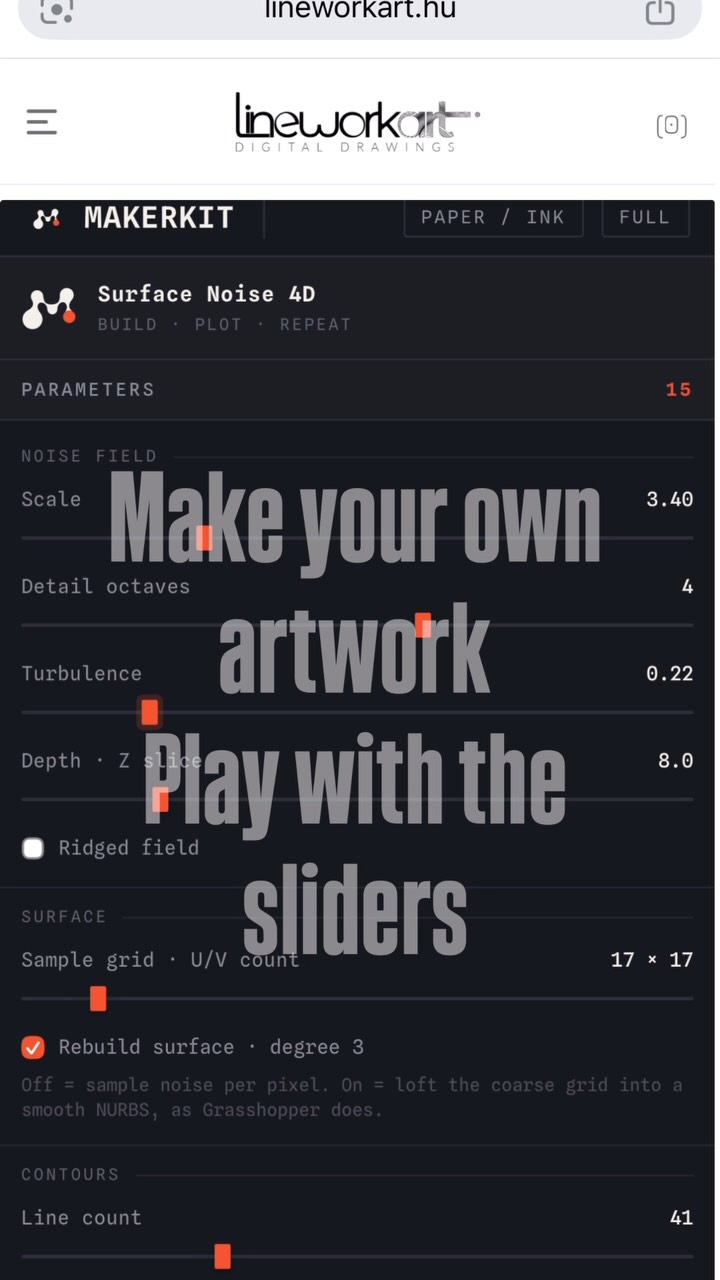
I built a free browser-based generator where you can create your own parametric pen plot artwork in seconds.
⚙️ Adjust the sliders.
🎨 Watch the design update in real time.
📥 Download a ready-to-plot SVG.
✍️ Send it straight to your pen plotter.
Whether you’re testing a new machine, learning generative art, or simply looking for your next drawing, this is the easiest place to start.
No software.
No programming.
Just create, download, and plot.
🔗 Try it now via the link in my bio.
I’d love to see what you make tag @lineworkart in your first plot.
#penplotter #generativeart #creativecoding #svg #education
2 months ago
For the last few years, I’ve been obsessed with designing machines that transform code into physical drawings.
Today, that journey finally has an identity.
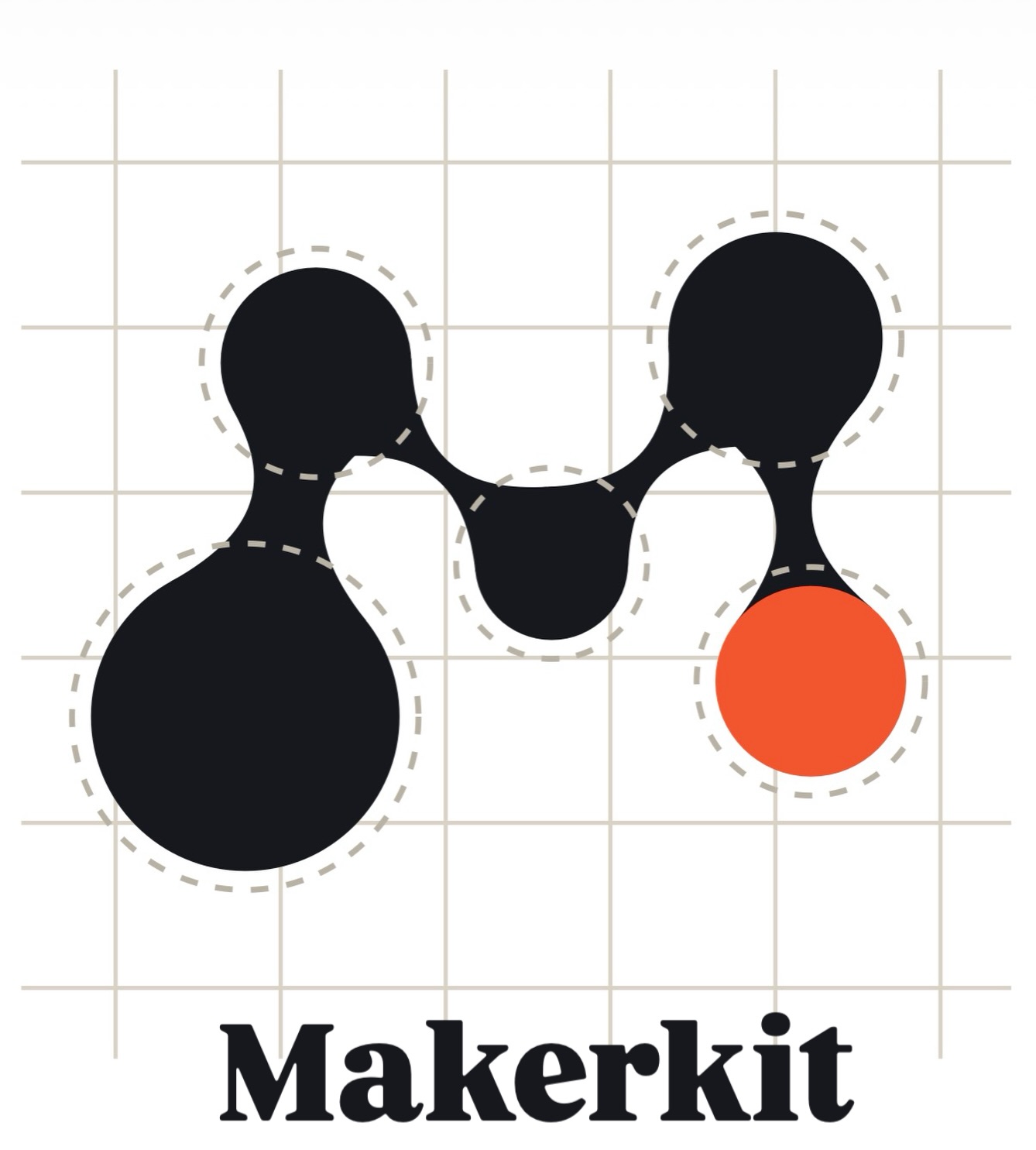
Meet the new MakerKit.
The logo isn’t just an “M.” It’s built around the same principles that define the products themselves: precision, structure, and intentional design. The proportions follow the golden ratio, while the single orange node represents the pen completing the final stroke of a drawing. Every detail has a purpose.
This is more than a logo: It’s the foundation of a brand built for makers, artists, engineers, creative coders, and everyone who believes that great ideas deserve to exist in the physical world.
Build the machine. Plot the idea.
What do you see when you look at the symbol? 👇
#MakerKit #LogoDesign #IndustrialDesign #productdesign
3 months ago
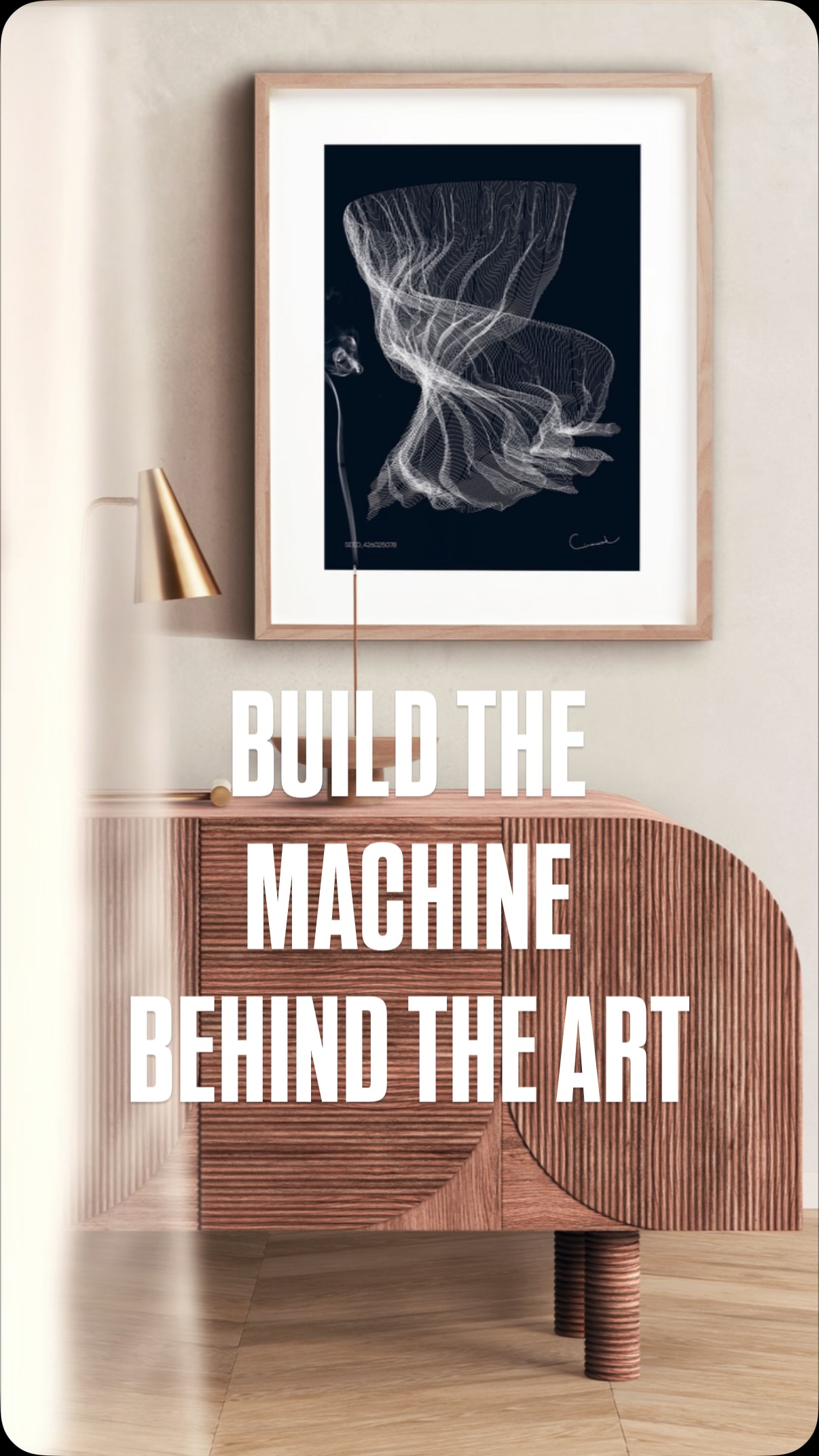
Most people see the finished artwork.
What they don’t see are the hundreds of design iterations, failed prototypes, and countless hours spent refining the machine behind every single line.
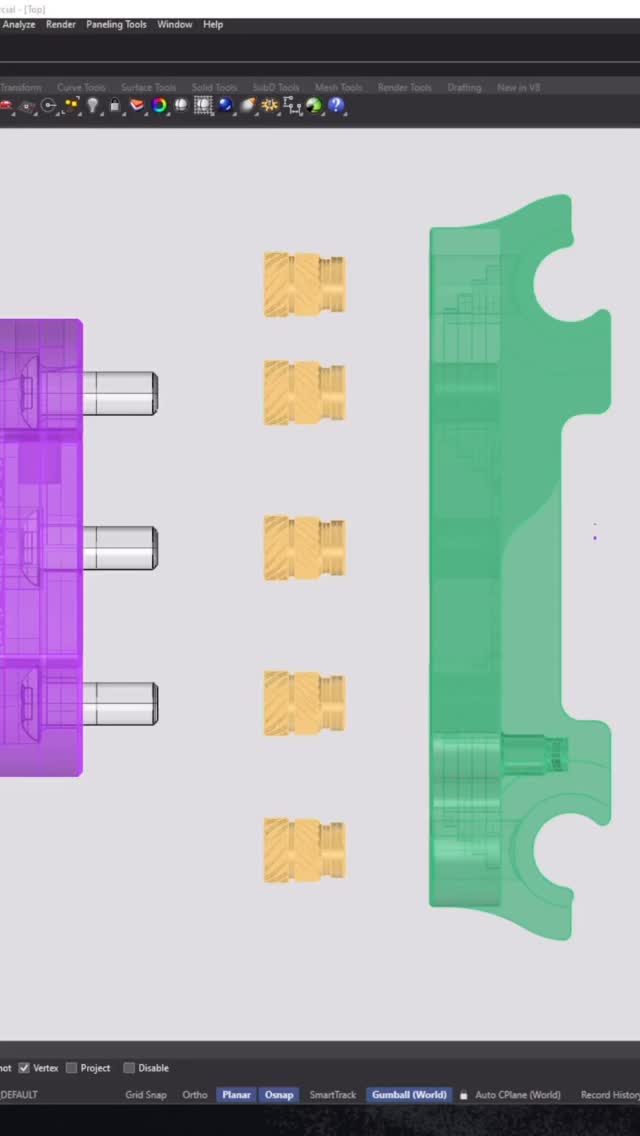
MakerKit Digital Builder Pack gives you access to the complete mechanical foundation I’ve developed over the past three years including the STL files, assembly guide, BOM, calibration notes, and the workflow I use to bring generative art into the physical world.
Whether you’re a maker, creative coder, architect, designer, or simply fascinated by generative drawing systems, this is your opportunity to build it yourself.
🔗 Explore the MakerKit through the link in my bio or visit:
lineworkart.gumroad.com/l/MakerKit
I’m excited to see what you’ll create.
Comment: “SYSTEM” to acces the files.
3 months ago
Most people see the artwork.
Few see the machine behind it.
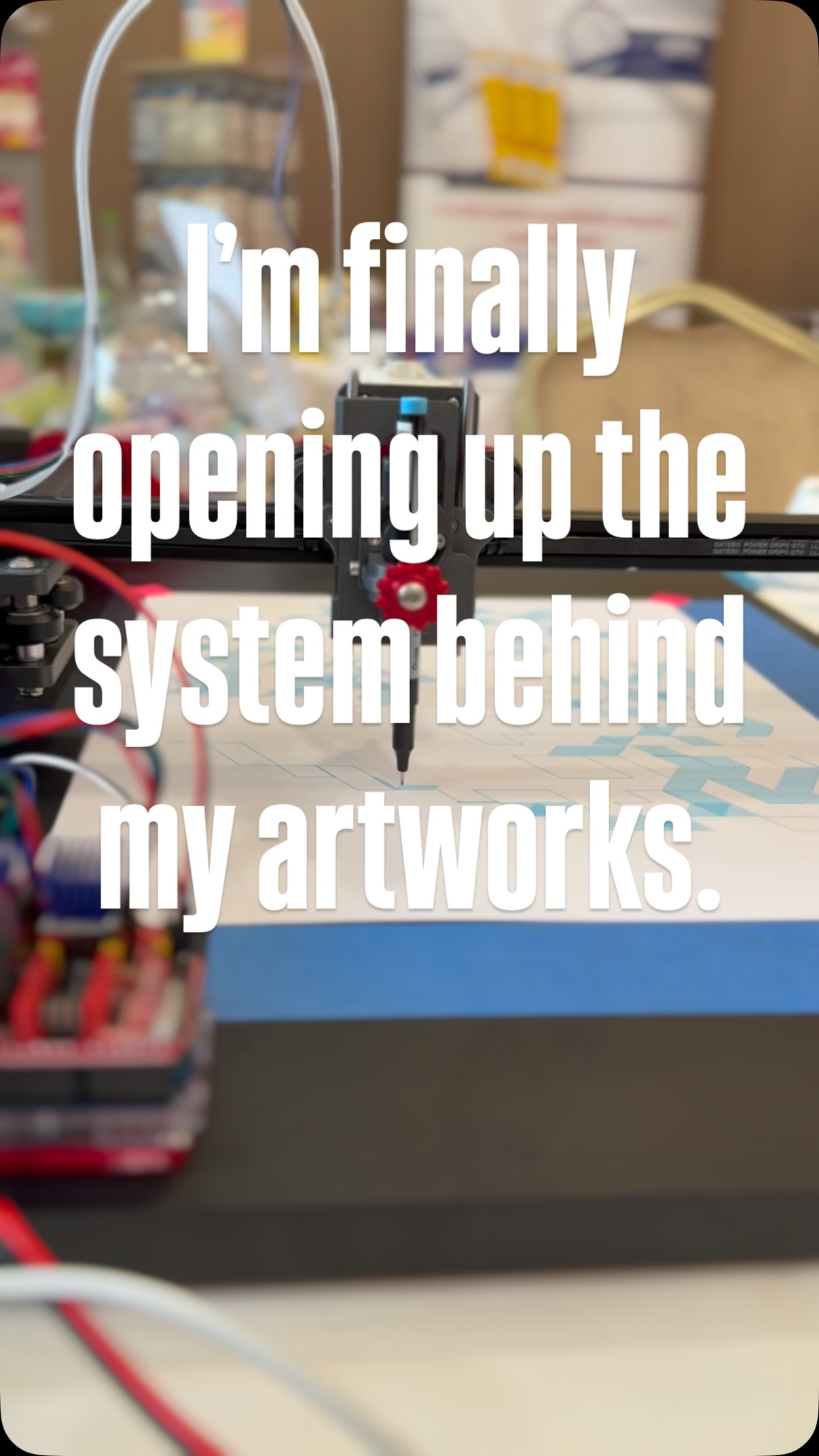
Over the past 3 years, I’ve been refining a drawing system designed to transform algorithms into physical linework. Countless iterations, failed prints, redesigns, and small improvements eventually led to the machine I use today.
Now, for the first time, I’m opening up the system behind my artworks.
MakerKit Digital Builder Pack includes:
⚙️ STL Files
📋 Full BOM
🔧 Assembly Guide
💻 Electronics Recommendations
🧠 Workflow Insights
This isn’t just a folder of files.
It’s the build foundation behind my generative drawing process.
If you’ve ever wanted to explore the intersection of art, code, and machines, this is where it starts.
Comment SYSTEM to explore it🔒
3 months ago
How to build your own drawing machine.
Here’s the truth about generative art:
❌ You don’t need an expensive plotter.
❌ You don’t need a workshop.
❌ You don’t need engineering experience.
✅ You just need the right system.
The machine behind my artworks started with:
• 3D printed parts
• Stepper motors
• Open-source electronics
• A few evenings of building
• A lot of curiosity
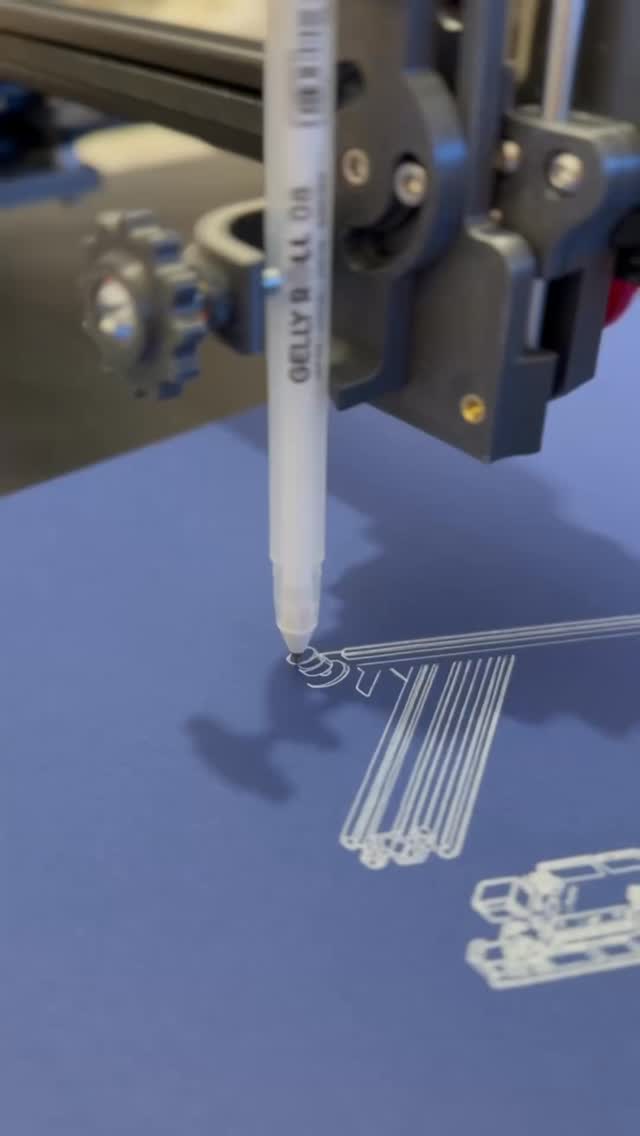
Today it creates artwork line by line. The same machine shown in this video is now available as a Digital Builder Pack:
✓ STL Files
✓ Complete BOM
✓ Assembly Guide
✓ Electronics Recommendations
Build the machine.
Create the art.
Link in bio. 🔗
#penplotter #art #codeart #diy
3 months ago


You asked.
I listened. 👀
The files are finally opening. ⚙️📂
MakerKit Digital Builder Pack is the system behind my artworks – the actual printable parts, workflow logic, calibration notes and machine setup I use to create my pen plotter pieces. 🖊️🛠️
This is the first public digital release. 🚧
🫵 For makers, artists, engineers and curious minds who want to look behind the artwork and understand the machine behind the lines.
To be sure your access and get the infos from first hand, drop a comment: “ACCESS” 👇🔥
I’ll send you the entry point through DM.
#makerkit #cnc #dıy #penplotter
4 months ago
You’re watching ideas turn into motion.
This is not a finished product it’s the process.
Lines, iterations, small adjustments… again and again.
Every part you see here was tested, refined, rebuilt.
The MakerKit is the result of that journey.
A penplotter you assemble, understand, and make your own.
If you’re curious how it comes together
scan the code and step inside.
#cnc #penplotter #dıy #lineworkart #drawingmachine
5 months ago
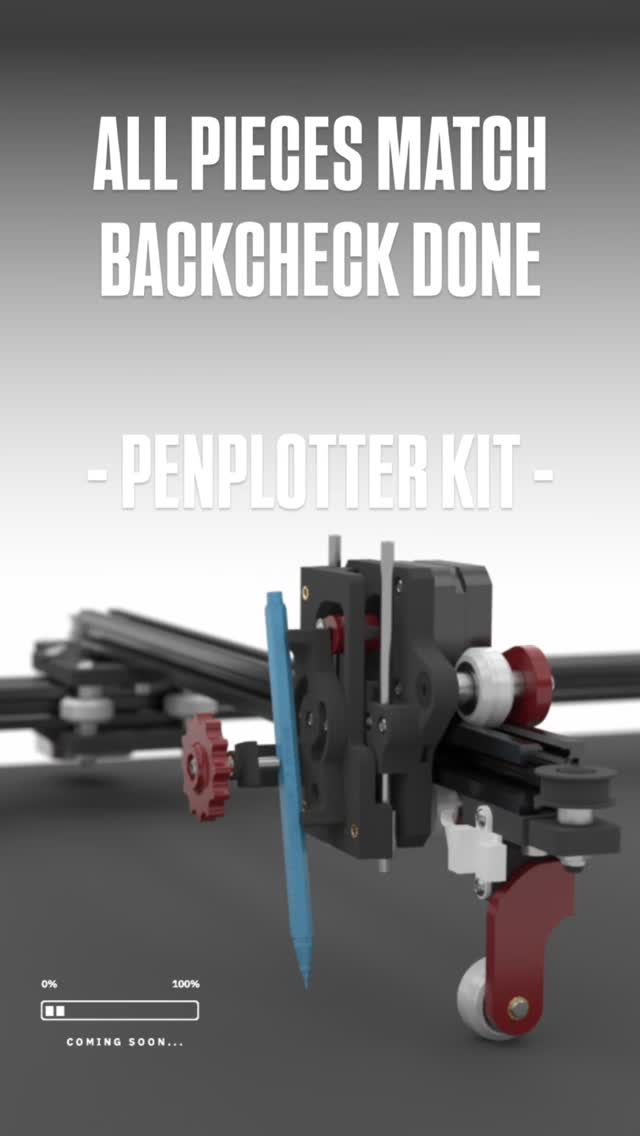
After weeks of testing, tweaking, and running beta prints…
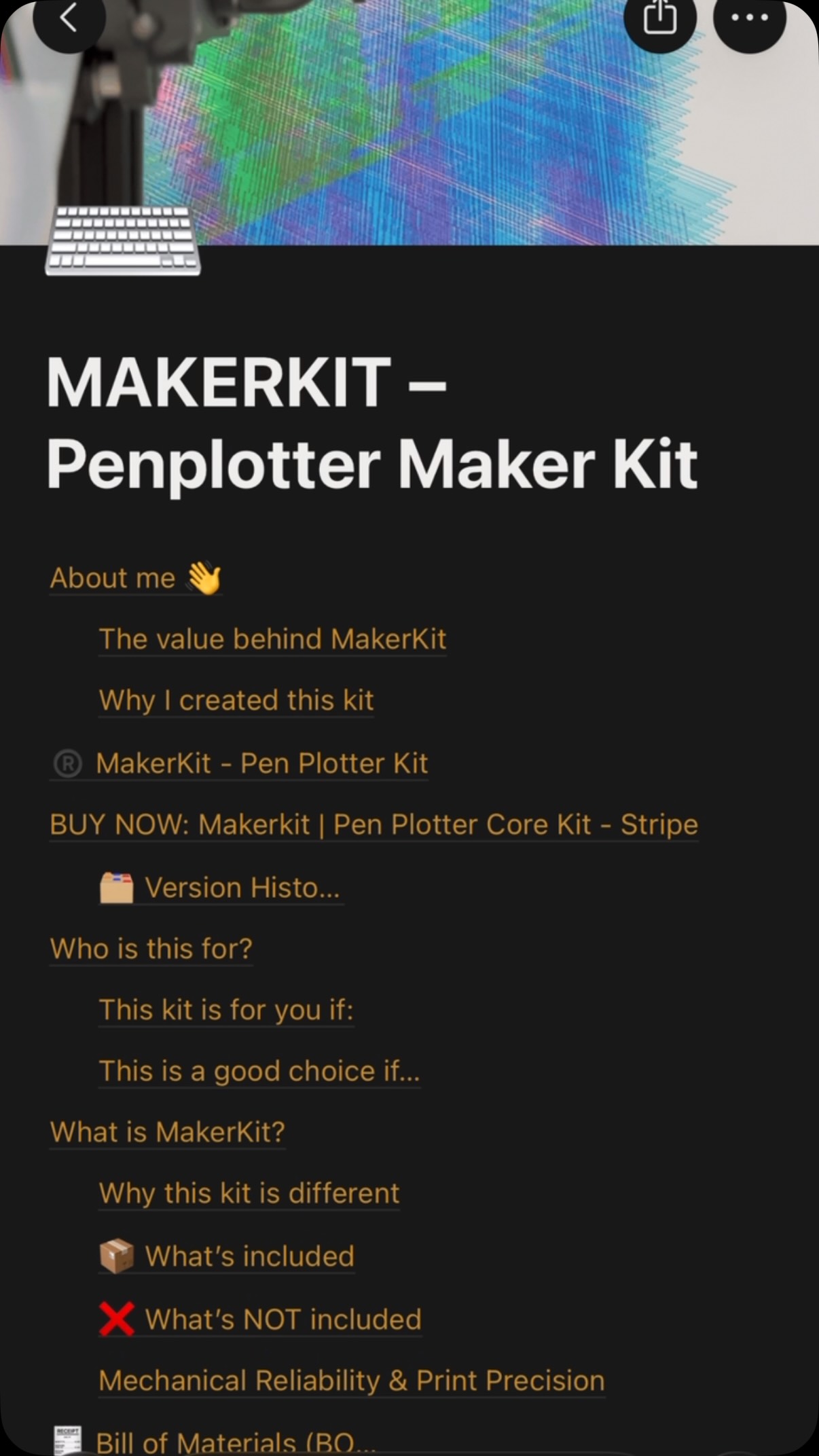
the DIY MakerKit is officially open on 24th of April.
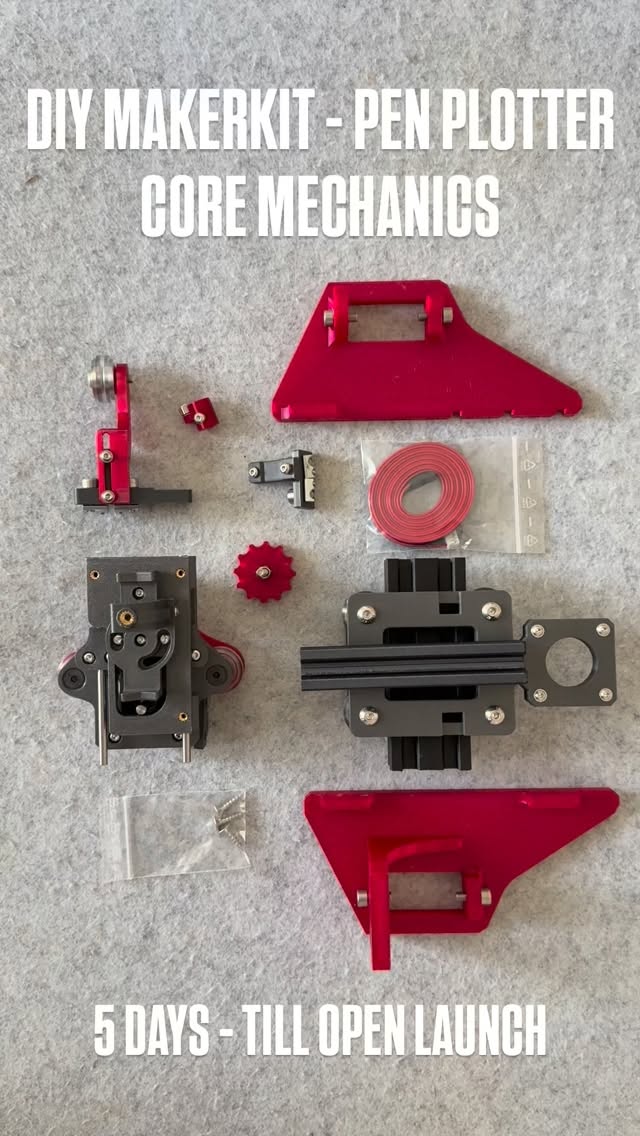
This is the exact system I use to build my pen plotter mechanics now broken down into a format you can actually assemble yourself.
Not a polished product.
Not a black box.
A maker-first kit.
What’s inside (V1):
– 3D printed structural parts (PLA Carbon Fibre, tuned for durability)
– V-slot wheel system + core mechanics
– Screws & essential hardware
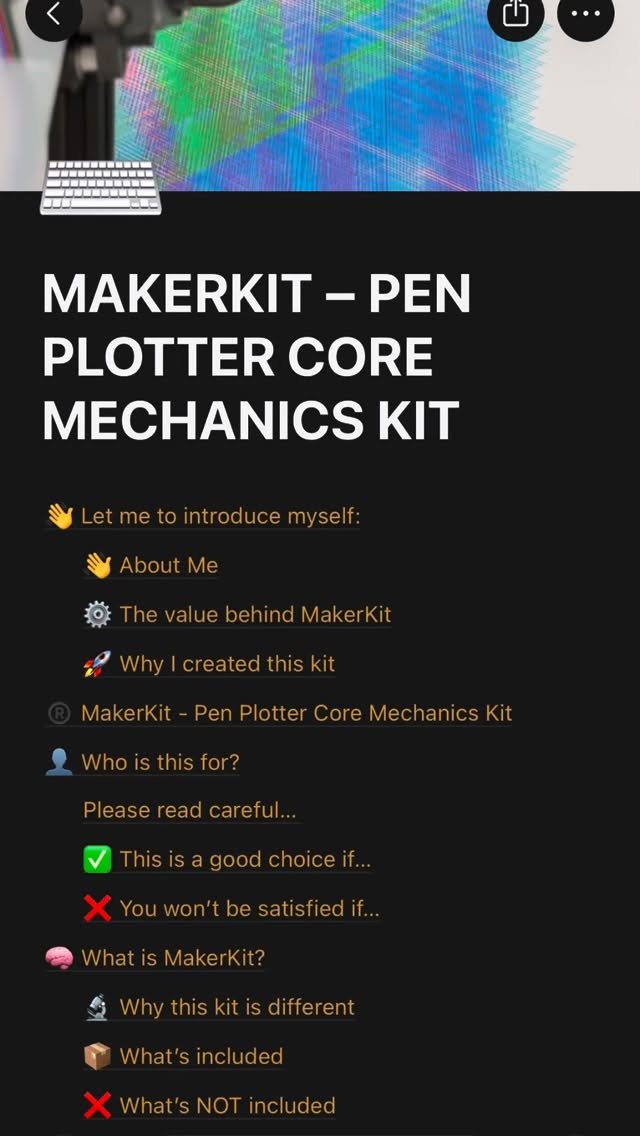
– Assembly logic (step-by-step in Notion)
What’s NOT inside:
– Electronics
– Frame
→ intentionally. You build, you understand, you own it.
Why this exists
I didn’t want to sell a machine.
I wanted to create an entry point into building one.
Something that sits between:
YouTube chaos ↔ overpriced plug-and-play machines
⚠️ First batch is limited (10 kits)
This is still early-stage.
You’re not just buying a kit you’re shaping what comes next.
👉 Full breakdown via Notion: link in story
If you’ve ever thought about building your own plotter…
this is your door.
#penplotter #art #minimalart #cnc
5 months ago
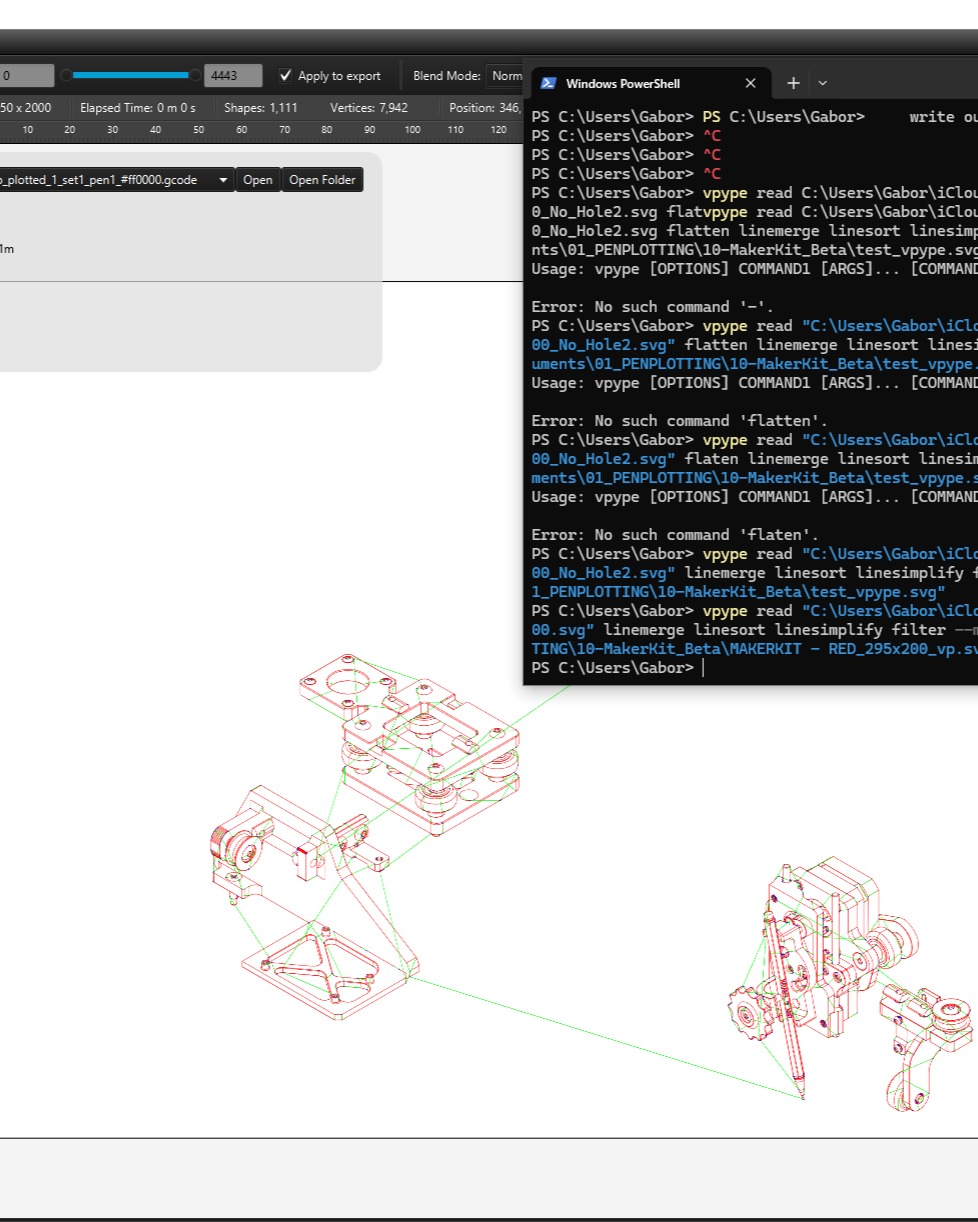
When your SVG breaks your G-code export… 👇
Today I ran into a classic (and pretty frustrating) issue while exporting from DrawingBot:
“Cannot invoke Point2D.getX() because point2D is null”
At first glance, it looks like a software bug but in reality, it’s almost always an SVG geometry problem.
⚠️ What’s actually happening?
One (or more) elements in the SVG:
has no valid coordinates
is a zero-length / broken path
or contains unsupported geometry
👉 Result: the exporter crashes because it can’t read a valid point.
🔍 The fix (that actually works)
Instead of hunting the broken element manually, I ran the file through vpype to clean the geometry:
vpype read input.svg linemerge linesimplify filter –min-length 0.2mm write output.svg
💡 Why this works:
linemerge → rebuilds broken paths
linesimplify → removes redundant points
filter → deletes tiny / invalid geometry (key step)
🧠 Important takeaway
If you work with:
generative geometry
CAD → SVG exports
parametric / plotter workflows
👉 Your SVG is not always “clean”, even if it looks fine.
✅ Pro tip (save yourself hours)
Before exporting to G-code:
Convert everything to paths (Illustrator / Inkscape)
Run a vpype cleanup pass
Then export
#educational #vpype #coder #lineworkart
5 months ago
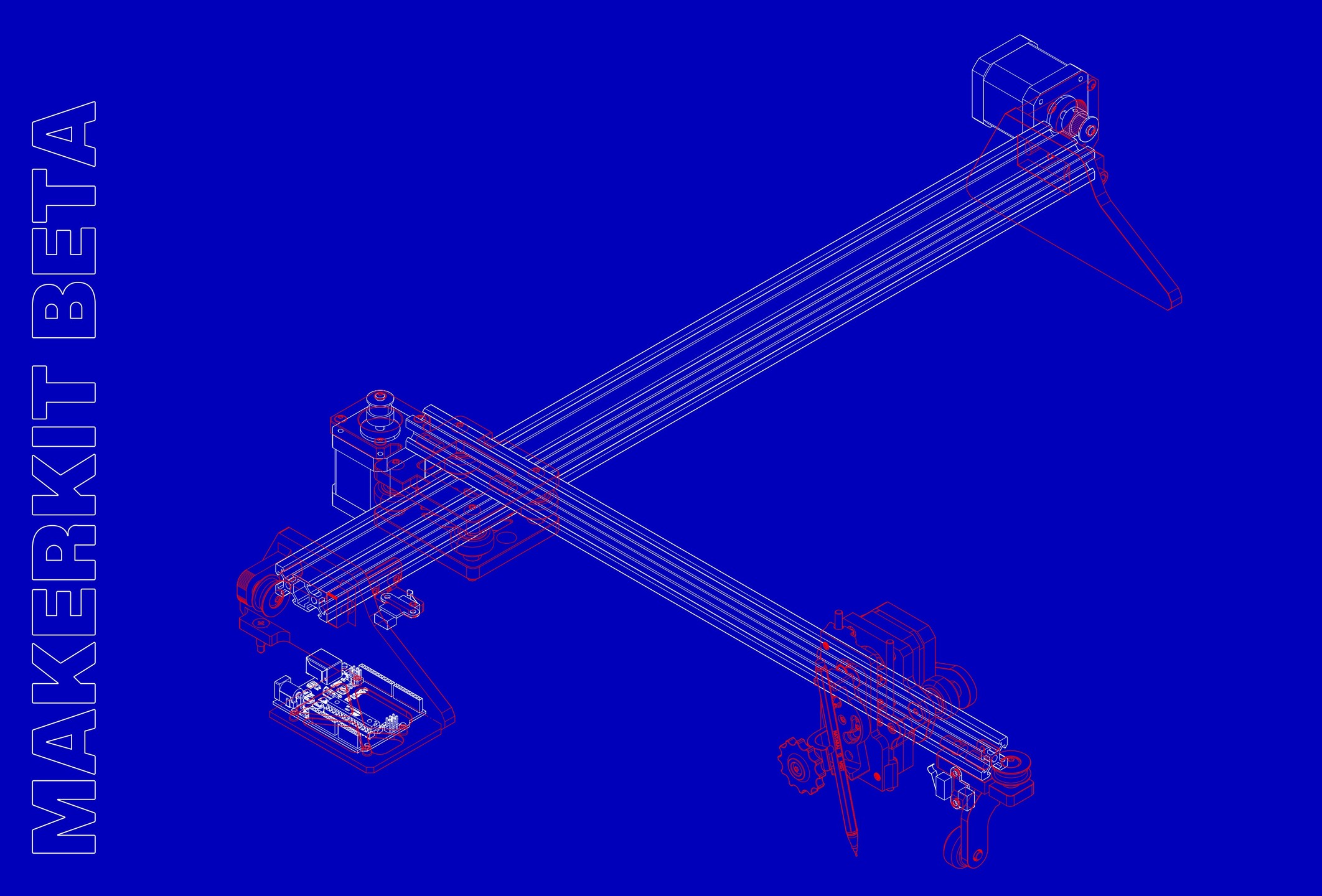
I didn’t plan to build a kit.
I just kept improving the machine, again and again, trying to make it more stable, more precise, more reliable.
Somewhere along the way, it turned into a complete system.
This is the final model.
Next step: pricing. Then launch.
#penplotter #art #lineworkart #cnc
6 months ago
✅This is more than just a Notion page.
It’s the structure behind a system I’ve been refining for years.
Every part, every step, every mistake… now organized into something buildable.
⚙️MakerKit is getting real.
First batch is coming soon.
And it won’t be for everyone.
DM “MAKERKIT” if you want in early. #penplotter #makerkit #diy #3dprinting
6 months ago


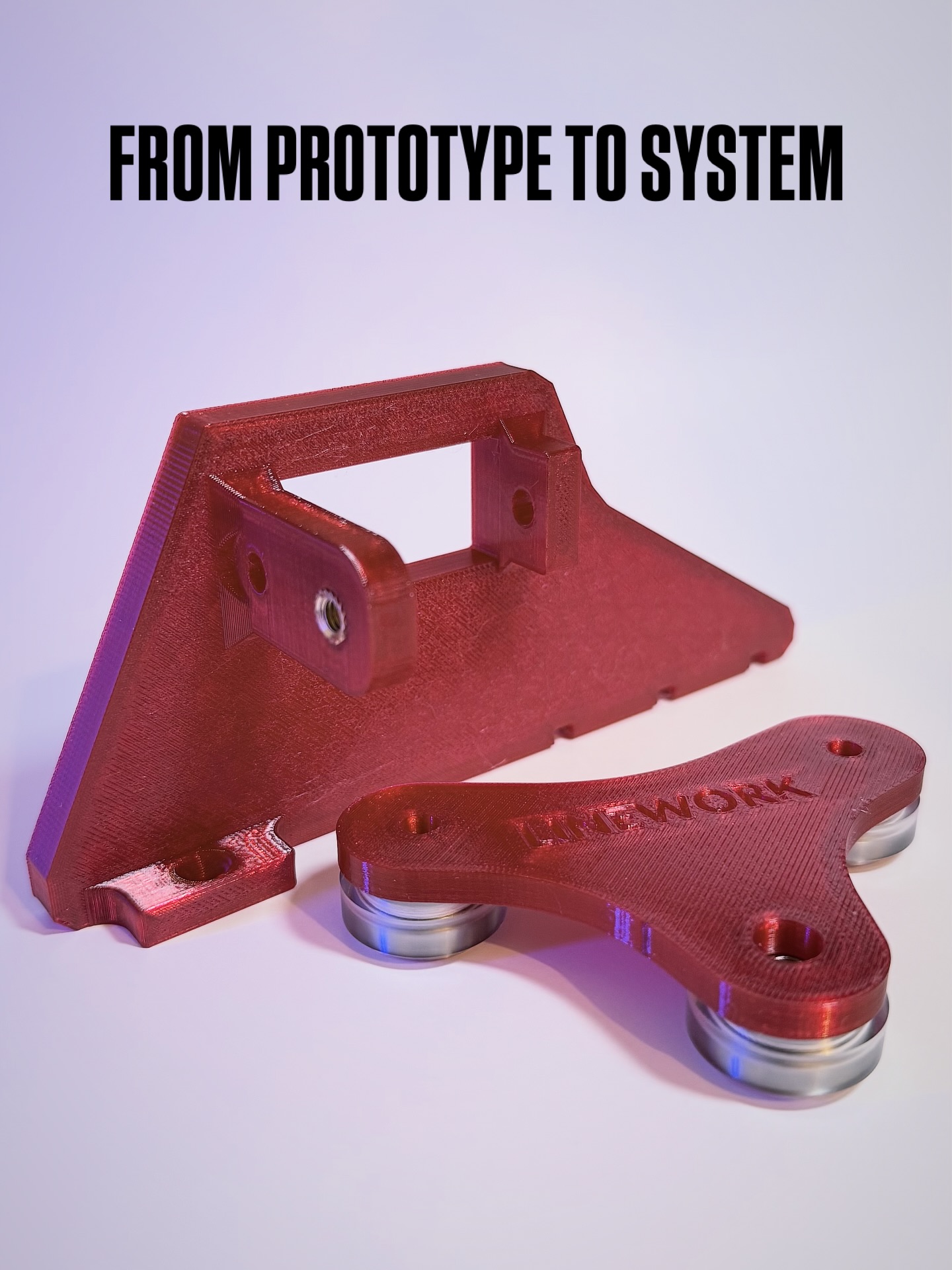
Not just parts. A system.
After weeks of redesign, testing, and refining the new components are finally coming together.
Every detail you see here exists for a reason:
stability, precision, repeatability.
This is the result of nearly 2 years of iteration solving problems you don’t have to.
Now entering Beta Print phase.
The next step:
⚙️ preparing the first Maker Kit
The first batch will be very limited (5–10 units)
→ built to test, refine, and improve with real users
If you’ve ever thought about building your own plotter…
this is where it starts.
📩 DM me or comment below “MAKERKIT” if you want to be part of the first batch
6 months ago